

How It Works
When someone sends you a message, your messaging app shows a notification containing the text. If the sender deletes it a few seconds later, the app removes it from the chat — but the notification text was already delivered to your phone. A notification history app saves that text the instant it arrives.
So the trick is not hacking anything. You are simply keeping a copy of a notification that was sent to your own device.
Set It Up in 2 Minutes
- Install NotiVault from Google Play (free).
- Allow Notification access when the app asks.
- Make sure notifications are on for your messaging apps, with message preview enabled.
- When you see “This message was deleted”, open NotiVault and tap the app — the original text is there.
What Works and What Doesn't
✅ Works
- Text messages that showed up as a notification
- Group chat messages (when group notifications are on)
- Message previews from SMS, email and social apps
- Messages that arrived while the chat was closed
❌ Doesn't work
- Messages that arrived while you had that chat open (no notification is shown)
- Muted chats or apps with notifications turned off
- Photos, videos and voice notes — only the text preview is saved
- Messages sent before you installed the app
Tips for Best Results
- 🔔Keep message previews on — if your lock screen hides content, the notification may not include the text.
- 🔋Disable battery optimisation for NotiVault on phones with aggressive battery savers (Xiaomi, Oppo, Vivo, Realme) so Android doesn't stop it.
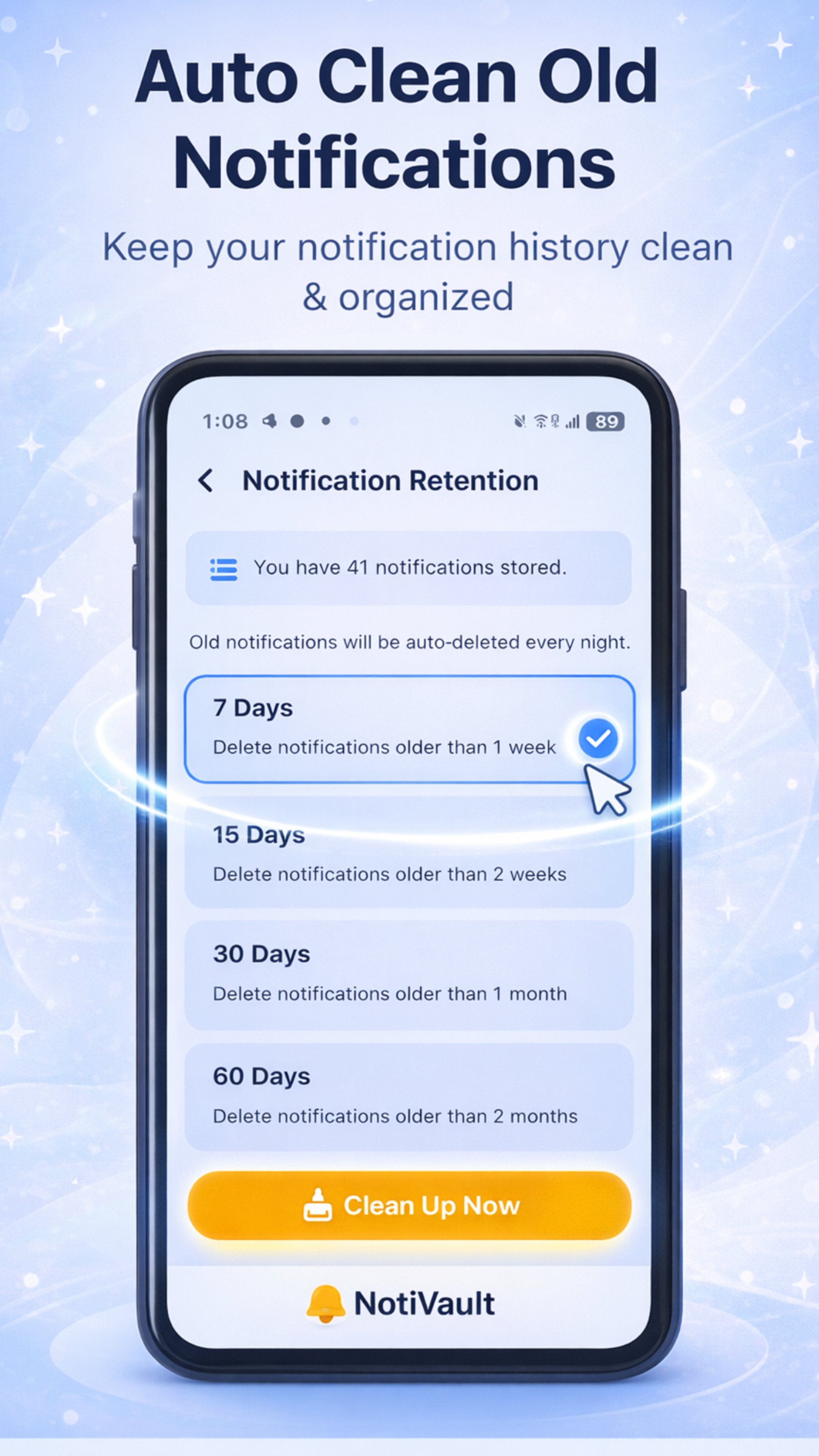
- 🗑️Use Auto Clean to delete history older than 7, 15, 30 or 60 days and keep storage tidy.
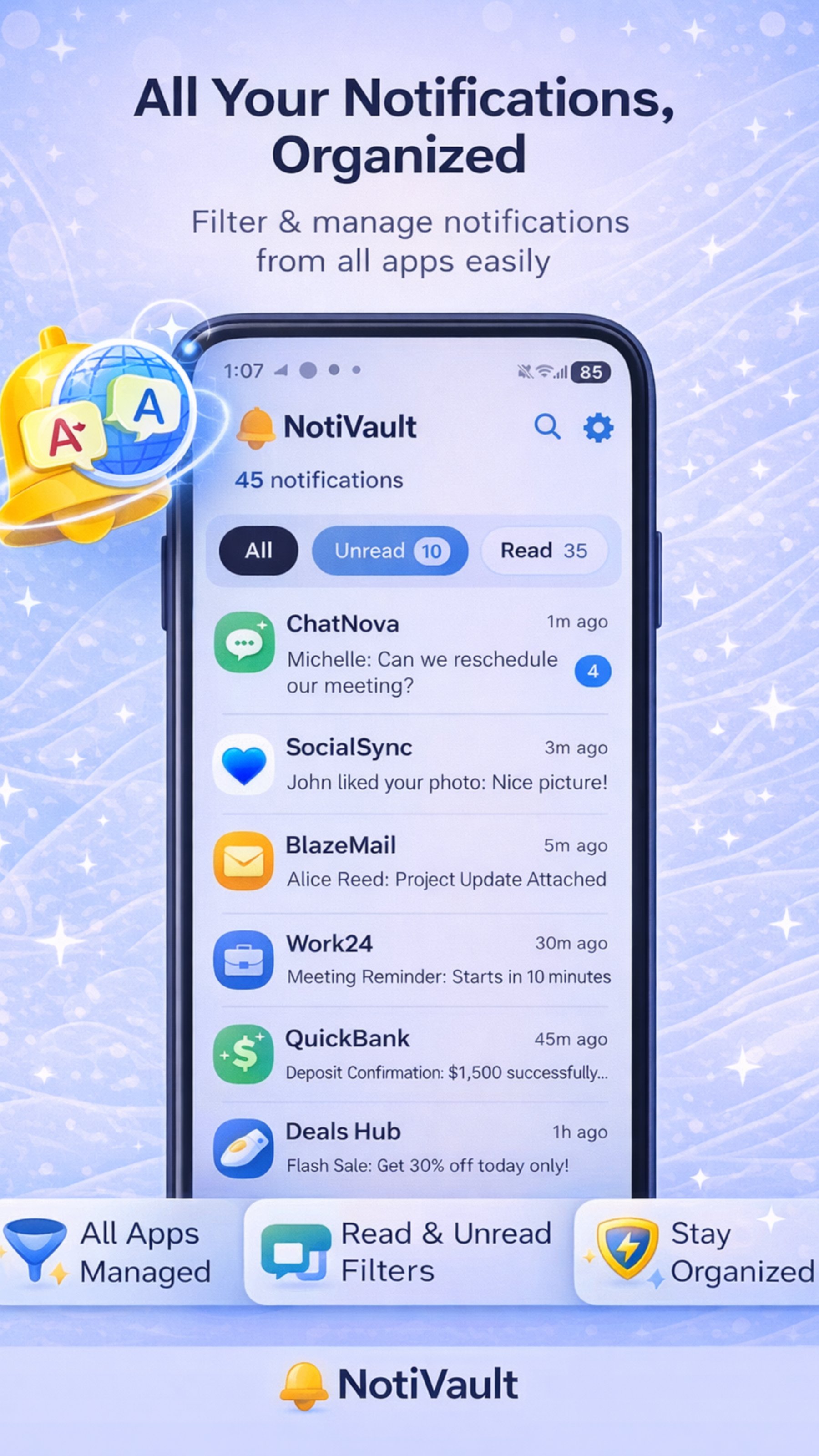
- 🔍Search by name or keyword with Global Search instead of scrolling.
🙏 Use it responsibly. Notification history is meant for your own phone and your own messages — for catching an OTP, an address or an important message you missed. Respect other people's privacy.
Frequently Asked Questions
Can I read deleted messages without the sender knowing?
Notification history simply keeps a local copy of notifications delivered to your own phone. Nothing is sent to the sender and no one is notified.
Can NotiVault recover deleted photos or voice notes?
No. Notifications only contain a text preview, so only the text is saved. Media files are not part of the notification.
Why didn't NotiVault save a message?
Usually because the chat was open when the message arrived, the chat was muted, message previews were off, or a battery saver stopped the app. Turn off battery optimisation for NotiVault to fix this.
Is my chat data uploaded anywhere?
No. NotiVault has no cloud and no account. All history is stored only on your device.
Catch Every Message, Even Deleted Ones
NotiVault saves message notifications the moment they arrive — free, offline and private.

Written by Kamal Kakkar
Founder of Yunok Tech and Android developer with 10+ years of experience at Nagarro and KareXpert, building apps for the healthcare and banking domains. Kamal also teaches Kotlin & Jetpack Compose.
LinkedIn → Medium → Android Course →