QRBee reads QR codes and barcodes the moment you point your camera. Scan from a gallery image, keep a history of every scan, and create colourful QR codes and barcodes in one tap.
Scan, create QR codes, generate barcodes and manage settings. Tap any screenshot to zoom in.


โ Swipe to see all 4 screens โ
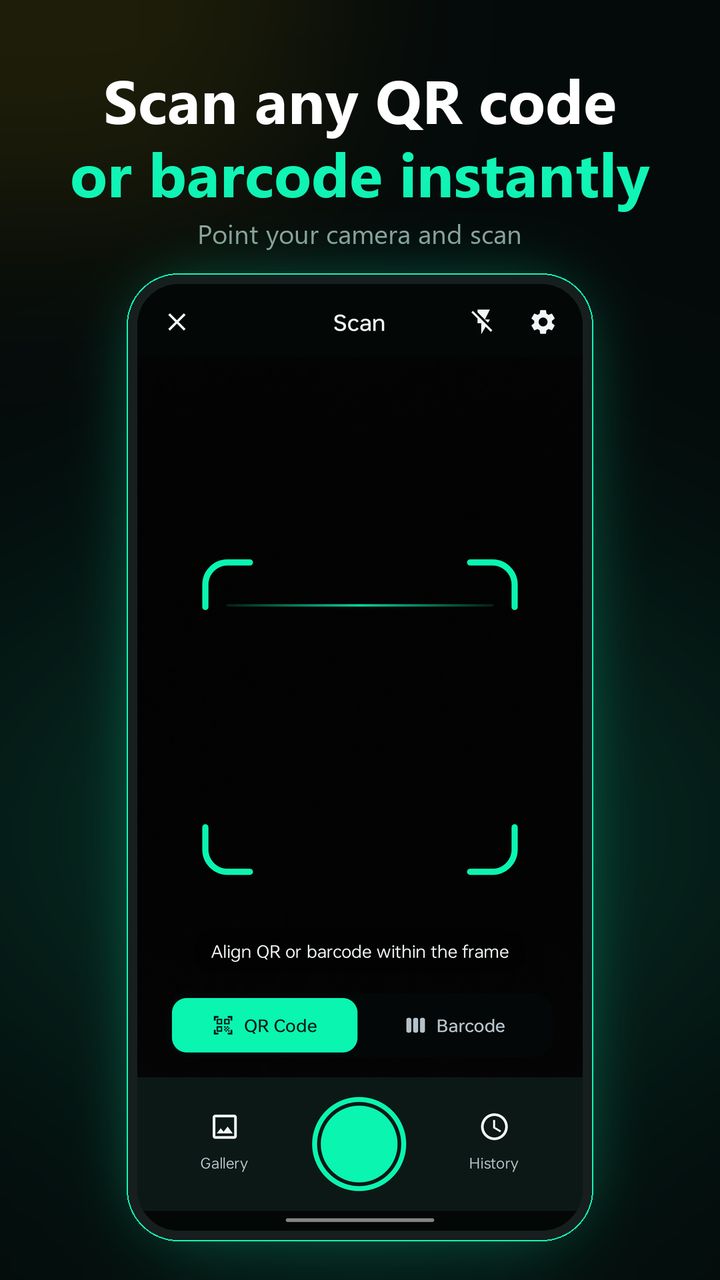
Read website links, text, contacts, Wi-Fi details and more from printed codes and screens.
Scan product and other common barcodes and get the information straight away.
Have a QR code saved as an image? Pick it from your gallery, no camera needed.
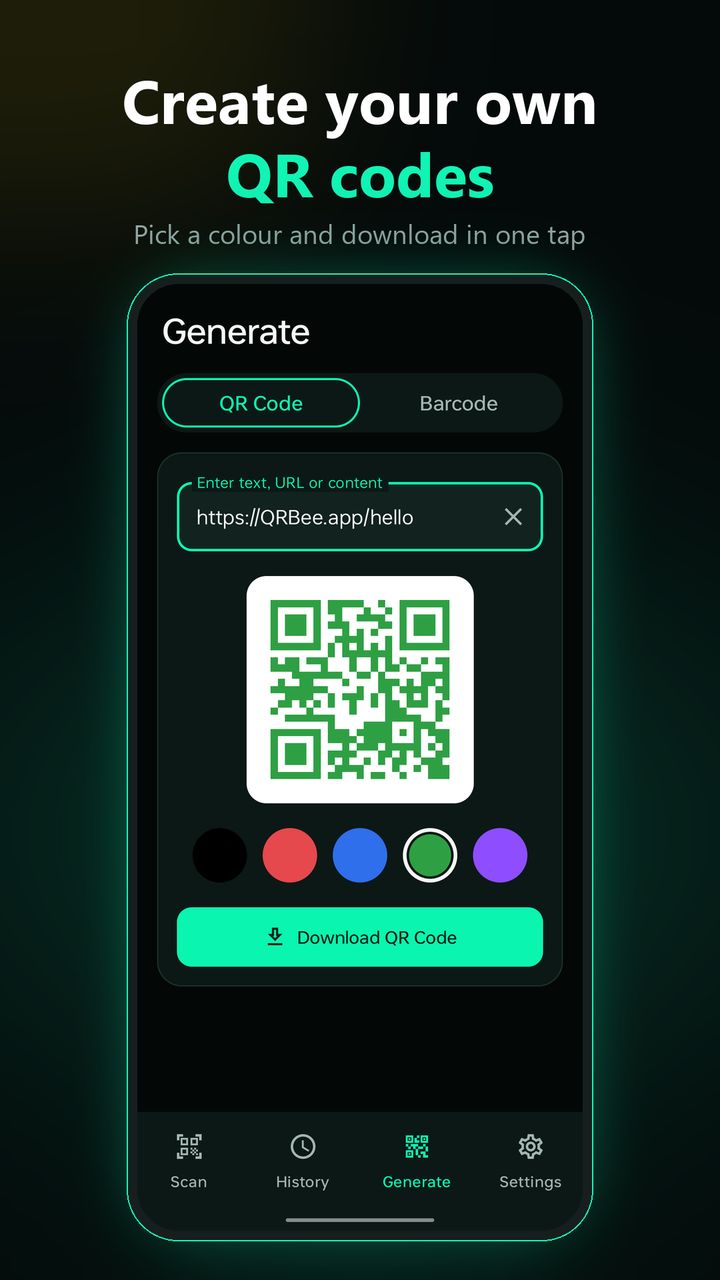
Create QR codes for text, links, contact details and Wi-Fi, in the colour you like.
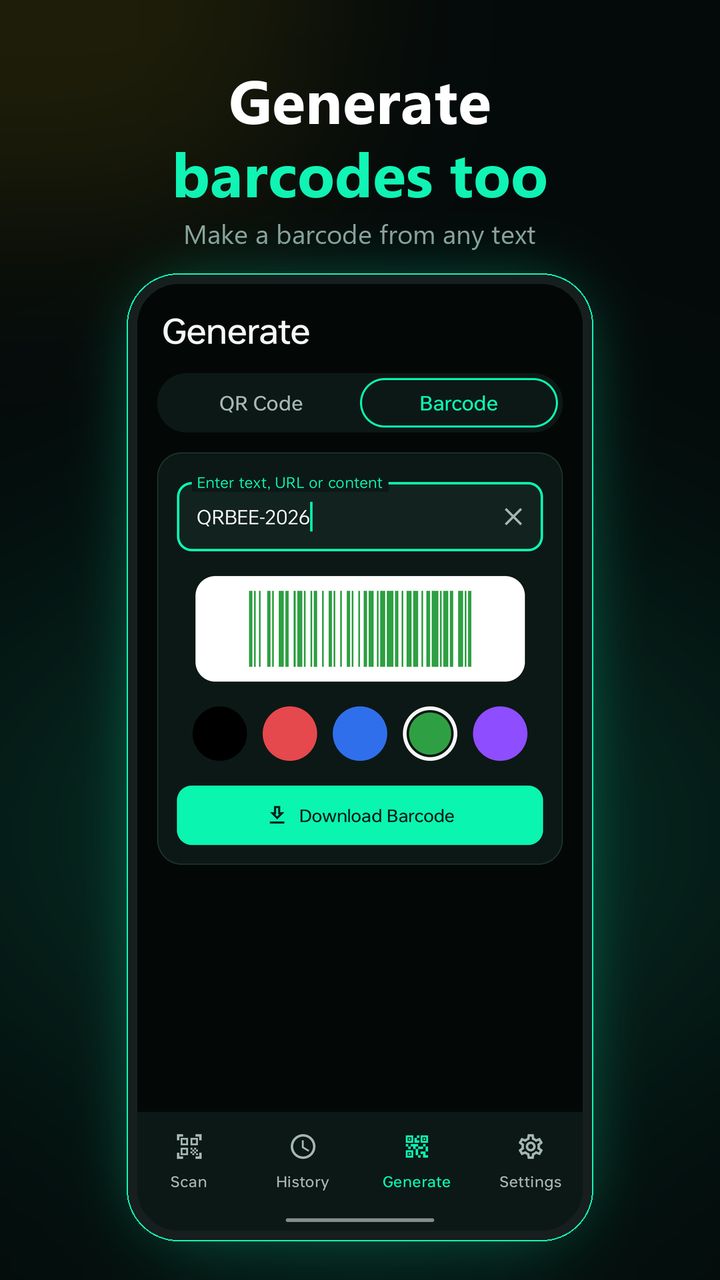
Turn text into a supported barcode format and download it in one tap.
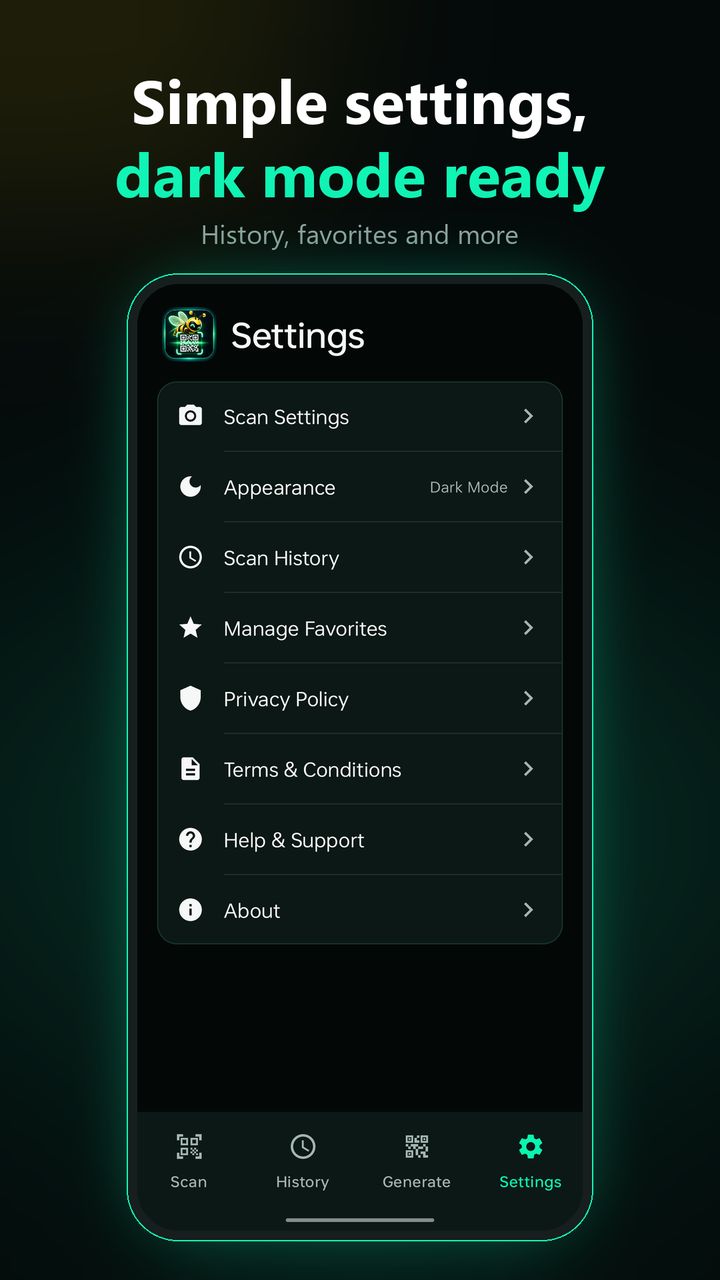
Every scan is saved in your history, so you can find a result again later.
Copy results, share them or open supported links straight from a QR code.
Turn on the torch to scan codes in low light.

Type a link, text, contact or Wi-Fi details, pick a colour and download your QR code. Need a barcode instead? Switch tabs and generate one from any text.
Get QRBee from Google Play. No account needed.
Aim at a QR code or barcode, or pick an image.
Act on the result, or find it later in history.
Yes. QRBee is free to download and use, and it is supported by ads.
QR codes and common barcodes, including website links, text, contact information, product barcodes and Wi-Fi details.
Yes. Choose an image from your gallery and QRBee reads the QR code in it without using the camera.
Yes. Create QR codes for text, website links, contact details and Wi-Fi information, and generate supported barcodes too.
No. QRBee has no accounts. What you scan and generate stays on your device unless you choose to share it.
QRBee has no servers of its own and does not sell your data. Ads are served by Google AdMob and usage statistics are collected by Google Analytics for Firebase. Read the full QRBee Privacy Policy.
Scan QR codes and barcodes, scan from images, and create your own. Free on Google Play.