
What Makes a Great Wallpaper App?
A wallpaper is the one thing you see every time you pick up your phone — easily 80+ times a day. A good wallpaper app should make it effortless to find something beautiful, see how it will look, and set it without fuss.
The 7-Point Checklist
- 🖼️True high resolution. Images should be sized for modern tall screens (20:9 and taller), not stretched old 16:9 images.
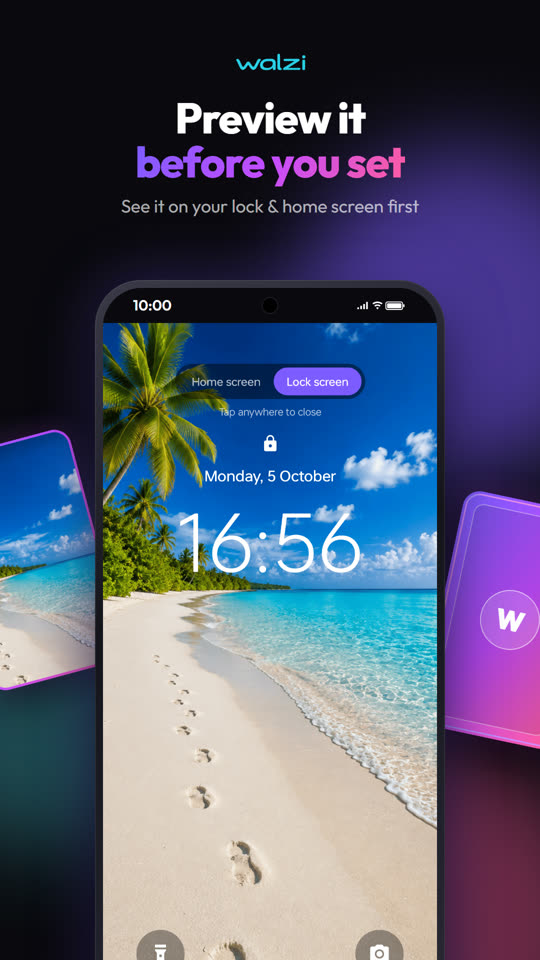
- 👁️Preview before setting. You should see the wallpaper on a lock-screen and home-screen mock with your clock and icons.
- 🎚️Adjustments. Dim, blur and position controls make busy images work behind icons.
- 🔒Separate lock and home. Set one, the other, or both.
- 🔄Automatic changer. A fresh wallpaper every day without opening the app.
- 📶Data-friendly. Caching and a Wi-Fi-only option so it doesn't eat your mobile data.
- 🛡️Respectful privacy. No forced sign-up, clear consent choices for ads and analytics.
How Walzi Ticks Every Box
| Need | Walzi feature |
|---|---|
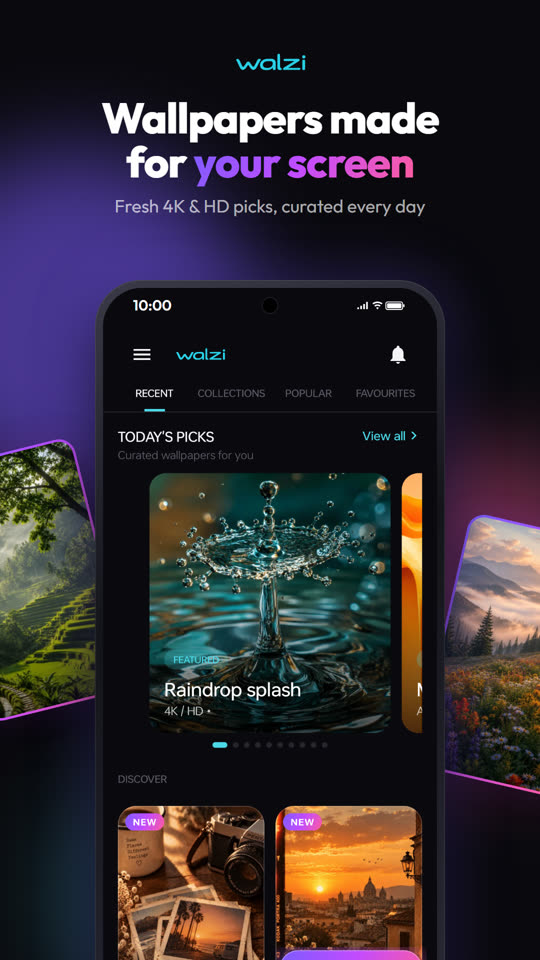
| Quality | Hand-picked 4K & HD wallpapers, new picks added regularly |
| Matching screens | Duo sets — lock + home pairs that tell one story |
| Can't decide | Surprise me — shuffle the deck and flip a random card |
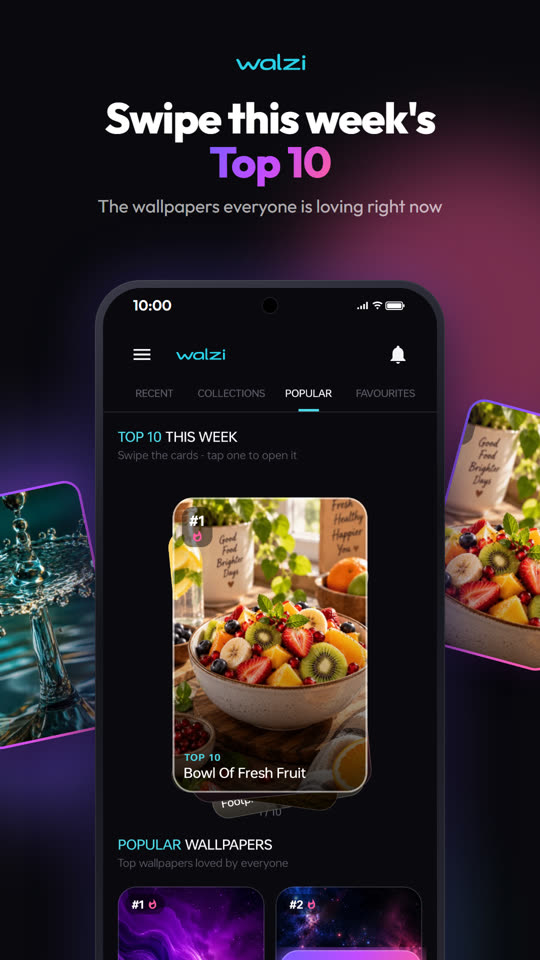
| What's trending | Top 10 this week |
| See it first | Lock & home screen preview with dim, blur, brightness & position |
| Fresh every day | Auto-rotate daily + Shuffle home-screen widget |
| Organise | Favorites, lists and Undo to go back to your previous wallpaper |
| Privacy | No account needed; ad & analytics consent changeable in Settings |
Popular Wallpaper Styles in 2026
🔋 Battery tip: On phones with AMOLED displays, darker wallpapers with true-black areas use slightly less power, because black pixels are switched off.
How to Get Started
- Install Walzi free from Google Play — no sign-up.
- Browse Fresh, Top 10 or tap Surprise me.
- Open a wallpaper and preview it on your lock and home screen.
- Adjust dim or blur, then tap Set — lock, home or both.
- Turn on Auto-rotate in Settings for a new look every day.
Frequently Asked Questions
Is Walzi free?
Yes. Walzi is free to download and use. It is supported by ads, and you can remove ads for 24 hours by watching a short video.
Do I need an account to use Walzi?
No. Walzi works without sign-up or login. Favorites and lists are saved on your device.
Will a wallpaper app use a lot of mobile data?
Walzi caches wallpapers you've already seen so they load instantly, and you can enable Wi-Fi-only downloads in Settings.
Can Walzi change my wallpaper automatically?
Yes. Turn on Auto-rotate in Settings for a new wallpaper every day, or add the Shuffle widget to change it from your home screen.
Give Your Phone a Glow-Up
Aesthetic 4K wallpapers, matching Duo sets and a new look every day — free on Google Play.

Written by Kamal Kakkar
Founder of Yunok Tech and Android developer with 10+ years of experience at Nagarro and KareXpert, building apps for the healthcare and banking domains. Kamal also teaches Kotlin & Jetpack Compose.
LinkedIn → Medium → Android Course →